Lead
Capture the enquiryWeb form, walk-in, agent or referral — keep the lead source and customer details in one record.
From the first enquiry to the final payment, everything stays in one place — take the enquiry, sell the unit or the plot, bill the owner, and see exactly which channel brought the sale. Built for developers selling condominiums, houses, townhomes, mixed-use, commercial space — and land.
Use all three parts, or only the one you need — Sales, Real Estate and Billing switch on separately.

One login.
One set of information.
The person who walked into the sales gallery is the same file your team is assigned to follow up, that signs for the unit or the plot, pays the third installment, and answers the owner survey — nothing typed in twice, nothing to match up between systems.

Web form, walk-in, agent or referral — keep the lead source and customer details in one record.
Assign a sales representative to follow up, manage the opportunity, and keep every conversation attached to the customer.
Connect the customer to a property through an opportunity, booking, or direct sale.
Keep installment schedules, invoices, receipts, and the audit trail connected to the sale.
Bring website enquiries, walk-ins, referrals and campaigns into one workspace. See where every lead came from, who owns it, and what needs to happen next.
Give every enquiry a clear owner as soon as it arrives. Managers can balance the team’s workload, keep follow-ups visible, and reassign a lead without losing its history.
Choose the sales representative best placed to handle the enquiry. CoxCRM keeps the customer, source, project interest, conversations, and next action together, so the new owner can continue immediately and managers can see which leads still need attention.
Capacity available for a new web enquiry
A tower of condominiums and a subdivision of land plots are the same job: a numbered list of things to sell, each with its own status, price and buyer. A unit is measured by its built-up area and a plot by its size in square wah — and from there both follow exactly the same steps, from the deal to the quotation to the payments.
The plan on screen shows what is still available at a glance, and something is marked sold whichever way it happens: closing a deal, completing a booking, or a direct sale.
Villa collection · 12 properties
Select a property to explore · Illustrative data
GARDEN RESIDENCE · A-04
Every booking gets its own installment plan. Payments are matched against the invoices they pay, and a mistake is put right by reversing it — nothing is ever quietly deleted. Receipts go out as soon as a payment is approved, and the system keeps checking its own totals in the background.
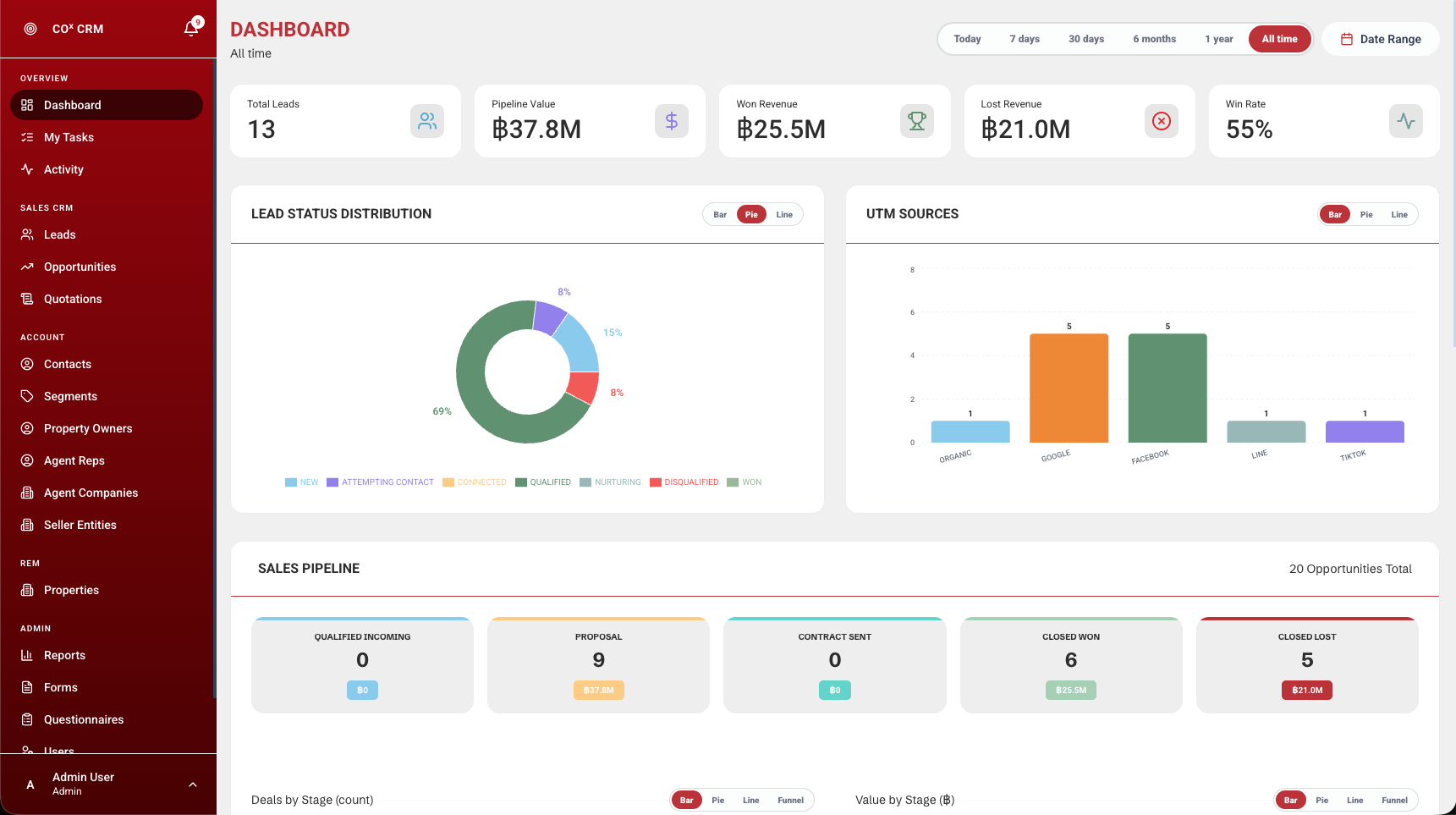
Put two projects, or any number of salespeople, side by side. Open up a channel to see exactly where its enquiries came from, then follow it through to the revenue it earned. Year-to-date totals stay put when you change the date range — a figure you measure against should not move.
Look across projects and salespeople to understand where performance differs.
Explore lead channels and campaign attribution alongside your sales results.
A year-to-date view keeps your longer-term progress in sight while you explore a specific date range.
Get to know the workspace
before making it your own.
One system covering three parts of the business — Sales, Real Estate and Billing — all sharing the same information. An enquiry becomes a deal, the deal sells a unit, and the buyer is billed as an owner, without the record ever being copied into another system.
No. Sales, Real Estate and Billing switch on separately. Start with your deals, and add units and billing when you are ready — nothing has to be moved across when you do.
Both. A project can be a condominium, house, townhome, mixed-use or commercial development, or a land development — and one project can hold finished units and bare plots side by side. A unit records its built-up area; a plot records its size in square wah, which carries straight through to the quotation. Everything after that — the deal, the booking, the installments, the ownership history — works the same either way.
Every booking gets its own installment plan, and an invoice for each installment. Payments are matched against those invoices, a mistake is put right by reversing it rather than deleting it, and receipts go out once a payment is approved. In the background the system keeps re-checking its own totals — which is the part a spreadsheet can never do.
Yes. There are six roles, and each person is also given the projects they work on. A rep sees only their own customers, a sales manager sees their team’s deals, project and resident managers see only the projects they are given, and an admin sees everything. Every list, dropdown and report follows the same rule automatically.
Every request is checked against the person’s role on the server, not merely hidden on screen — so someone cannot reach data simply because a button was out of sight. Sensitive actions, such as deleting a record or changing a connection to another system, are limited to the person who owns the record or an admin.
Most teams are up and running the same week: bring in your contacts and enquiries, load a project’s units, invite your people and give each one a role, then connect your website form. There is no long setup project to sit through first.
Quotations belong to opportunities. For supported booking workflows, an accepted quotation can become a booking. Invoices, payment schedules, submitted slips, and receipts then stay linked to the relevant sale.
The system includes two-factor authentication, per-device sessions, session revocation, and account disabling.
Bring a project or two and we will walk through the whole thing — deals, units, billing, and the reports your board actually asks for.
